Comet Browser – Free AI Browser from Perplexity
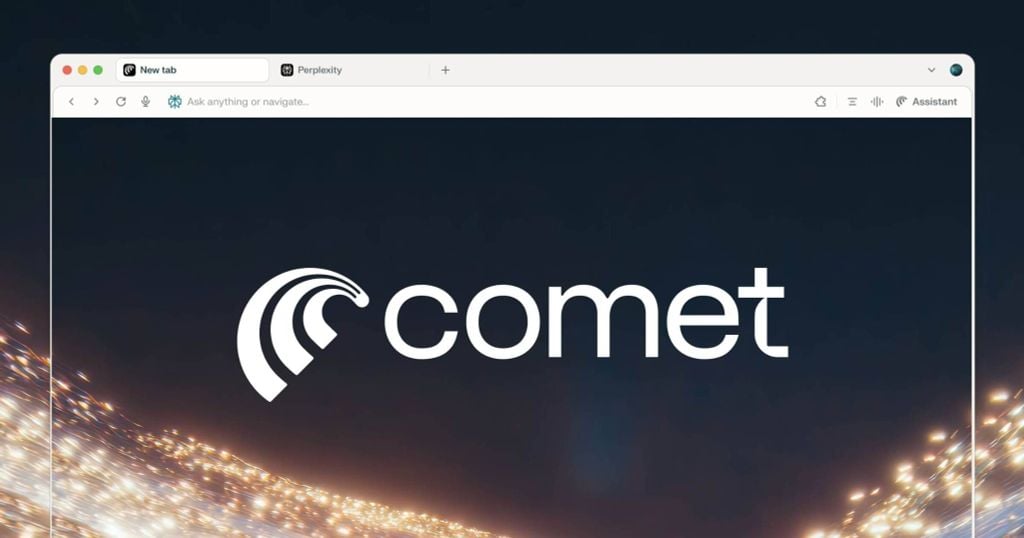
Comet Browser is a free AI-powered browser by Perplexity. Highlights include context-aware AI search, address-bar prompts, content summarization, plus email and shopping helpers in a minimal, eye-friendly interface that reduces distraction for work and study.
Why Use Comet?
-
Context & location-aware search for relevant answers.
-
Address-bar prompts for instant AI actions.
-
Prompt Library with ready-made templates.
-
Soothing UI with soft gray and rounded edges.
-
Daily helpers: page summaries, outlines, email drafts, shopping tips.
Download & Install
-
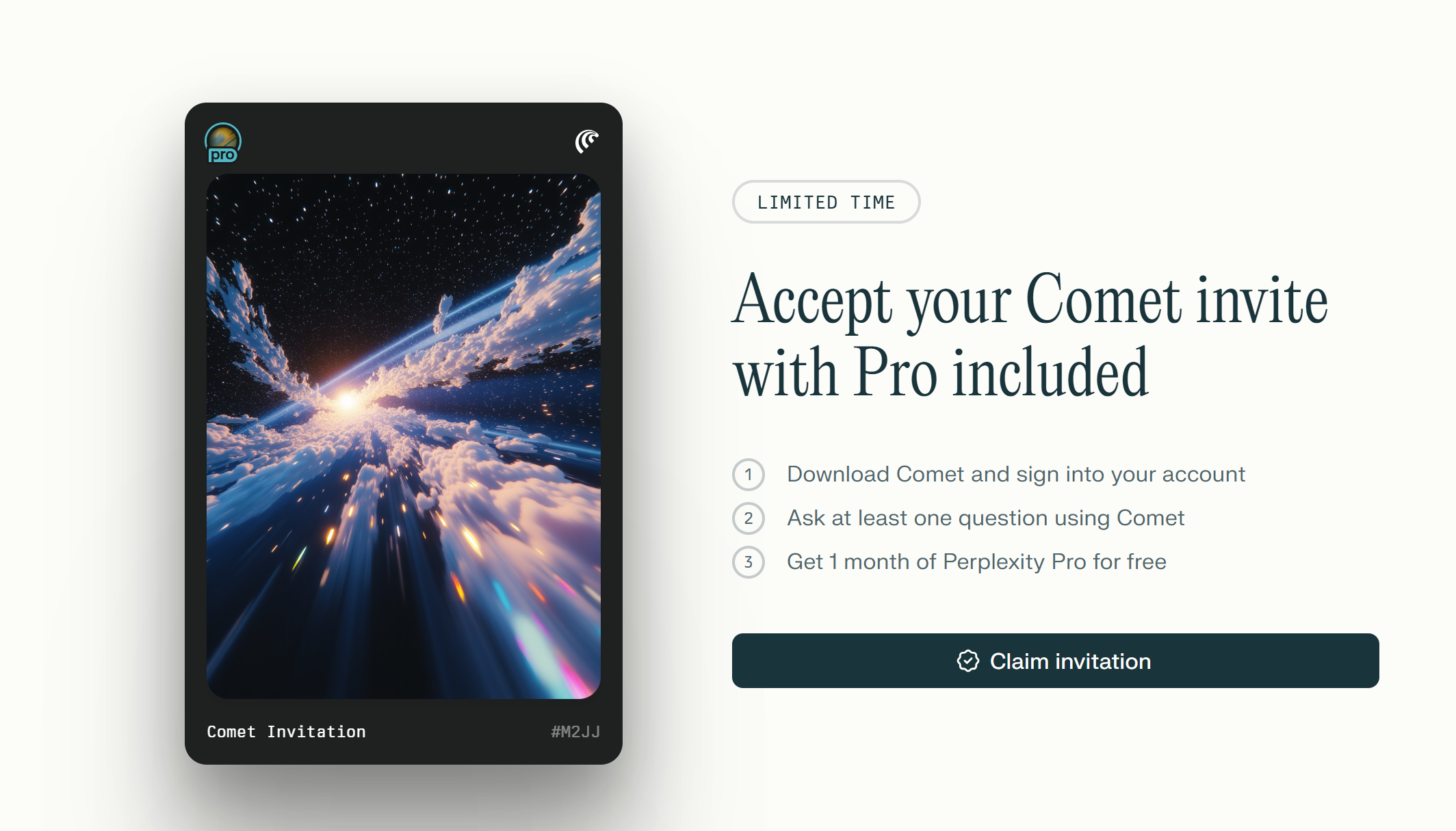
Go to perplexity.ai/comet → click Download Comet
-
Run comet_installer_latest.exe
-
Finish setup → open Comet and complete onboarding
UI & Performance
-
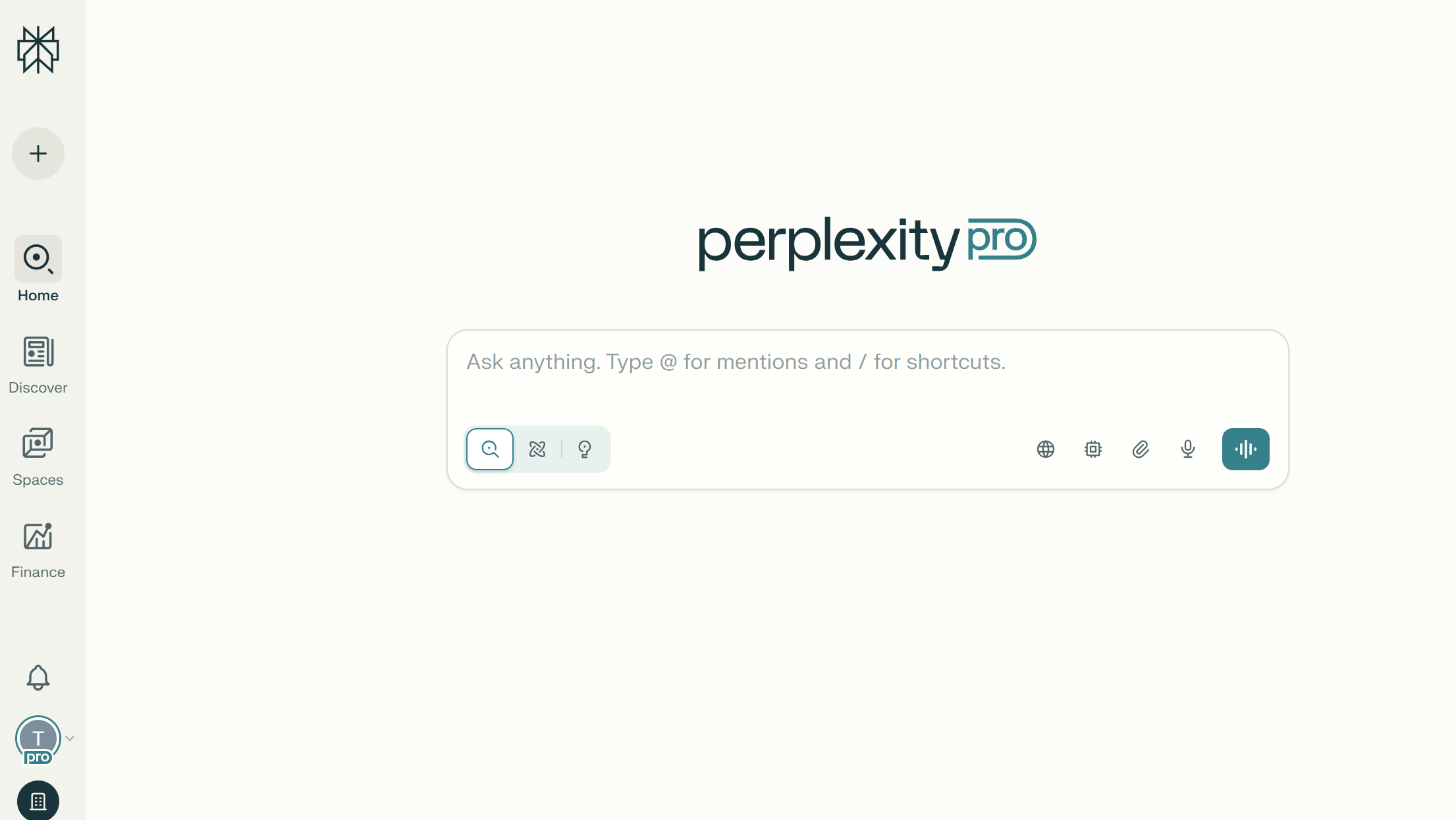
Interface: Centered content, soft-gray theme, low-distraction.
-
Performance: Smooth tabs/search; fast AI responses on common queries.
-
Best for: Students, marketers, creators, office professionals.
Core Features
Native AI Search
AI returns highly relevant results on mainstream topics, factoring context/location. For ambiguous prompts (unclear goals), rephrase with more specifics to improve accuracy.
Address-Bar Prompts
Type commands directly (e.g., “Summarize this page into 5 bullets”), or use /ask + your query for quick actions without opening a separate chatbot tab.
Prompt Library
A library of prompts for Learning, Work, Business that standardizes your requests and speeds up execution.
Summaries & Task Aides
Summarize long reads, extract key points, propose outlines, draft emails, and surface shopping tips—all in the context of the page you’re on.
Quick Comparison
-
Want AI everywhere with fewer clicks? → Pick Comet.
-
Rely on a deep, niche extension ecosystem? → Chrome/Edge may be more flexible (for now).
How to Prompt Effectively (SEO)
Formula: Role + Task + Constraints + Desired Output
Example: “You are an SEO specialist. Analyze top 10 results for [keyword], extract 5 subtopics, propose H1–H3, FAQs, and 10 transactional long-tails.”
Caveats & Optimization Tips
-
Output hinges on prompt clarity. Specify goals, scope, and output format.
-
For niche tasks, break requests into steps or provide examples.
FAQ
-
Is Comet free? Yes.
-
Does it fully replace Google/Chrome? Not necessarily; depends on your needs and extensions.
-
Is AI output 100% accurate? No; verify sources and refine prompts.
If you need faster search, summaries, and daily workflows in a low-distraction UI, Comet is worth a spin. The combo of address-bar prompts and a prompt library streamlines tasks and saves time.